When you click on links to various merchants on this site and make a purchase, this can result in this site earning a commission. Affiliate programs and affiliations include, but are not limited to, the eBay Partner Network.
Hello,
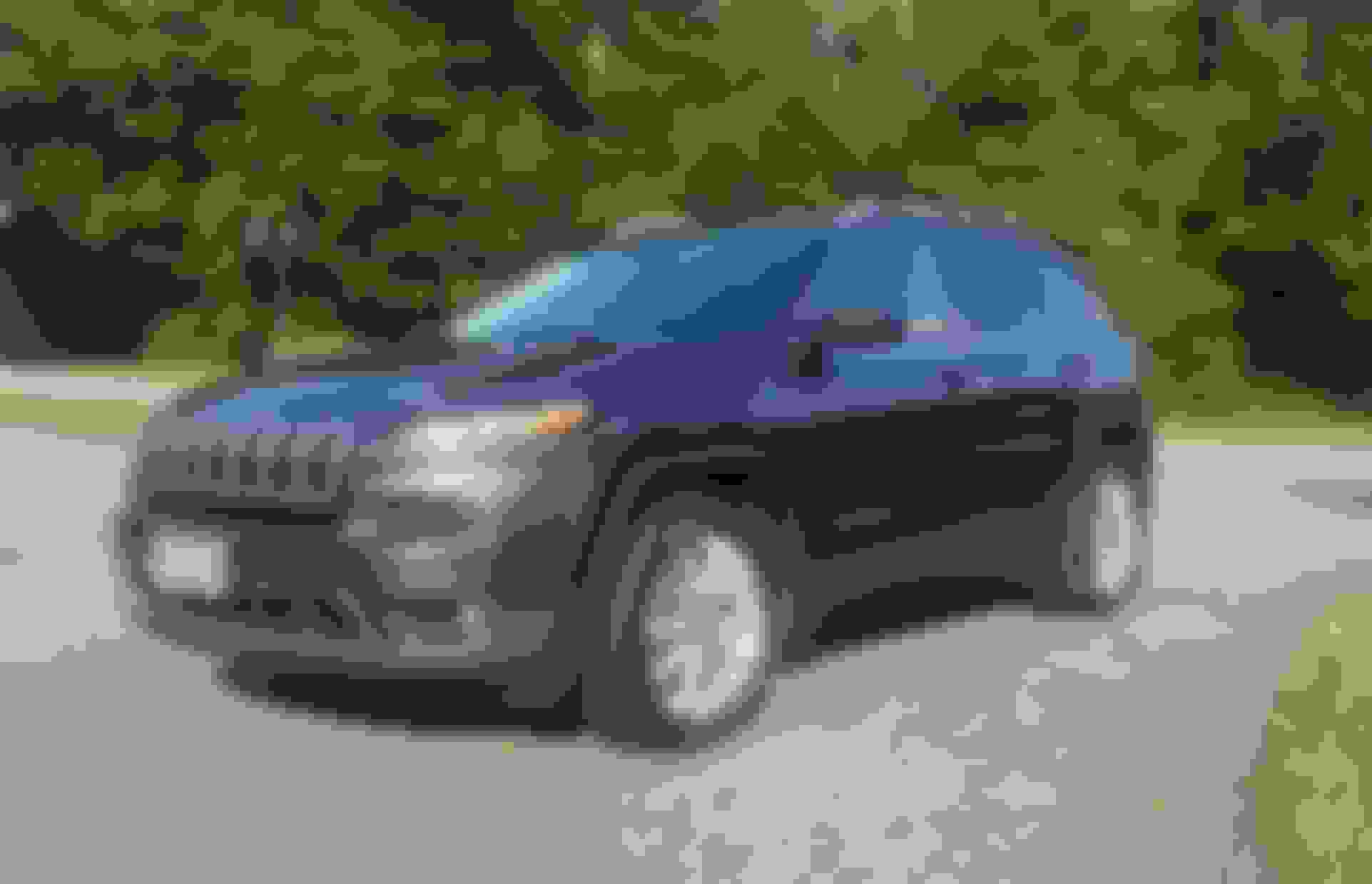
I purchased a 2016 KL limited about 3 mo. ago. I really love it and the way it drives. This is my 2nd Jeep actually, a long time ago, I owned a 96 Grand Cherokee Limited, which was great.
This KL has all the bells and whistles that are awesome, but have me a bit worried about the long term reliability, obviously. I'm trying to learn about the Uconnect system we have. Mine has software version 18.13.07. Is that the latest version for a 2016? And if not, do you recommend updating? I know sometimes that could create issues.
Seems like a great forum. Thanks for the help.
Thank you for the welcomes guys. I entered my VIN at the driveuconnect.com page. It said that I had an update available. So I downloaded it and saved it onto a USB flash drive. Then tried to update my HU. It didn't accept it. Gave a message that the update file is an older version (17.43.01) than the current installed one (18.13.07). So I guess I'm all set.
I find it strange though that the uconnect website had the wrong info for my VIN's #. I wonder how the previous owner updated it.
Dealer might have updated it, if it went in for the other software updates under the recalls. My 2014 started bugging me to update last week, so they're pushing updates from their end.
In terms of the U Connect system being the "latest version", there's a new version that debuted in the restyled 2019 Cherokees that adds Apple CarPlay and Android Auto compatibility, as well as AT&T 4G LTE in-vehicle internet, as opposed to Sprint 3G CDMA coverage (which going out in the next few years, BTW), but the older systems (RA3/RA4) are still some of the best in modern vehicles. Fast touch response, easy-to-use, good voice recognition, and plenty of options to connect your portable tech.
If any OTA (Over-The-Air) Updates come out, they *should* pop up onscreen, and you'll hit 'Yes' to install them. You can also initiate them using a USB stick in the factory USB port with the software (and nothing else) loaded onto it. The dealer may also be able to initiate it. You can enter your VIN on driveuconnect.com and check your current version.



 New owner of a Cherokee Limited!